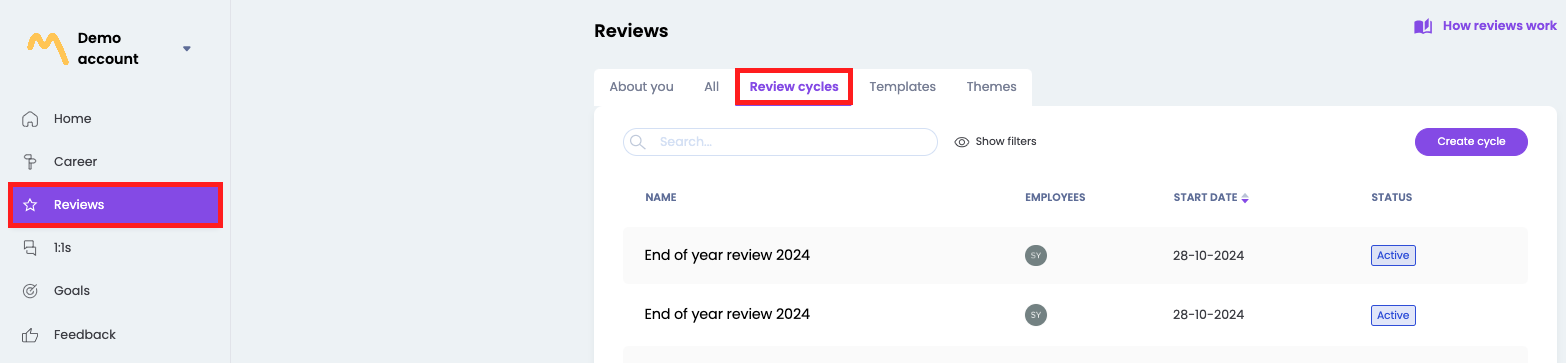
To remove a coach in an active review cycle, open the cycle via the reviews - review cycles page and open the desired cycle
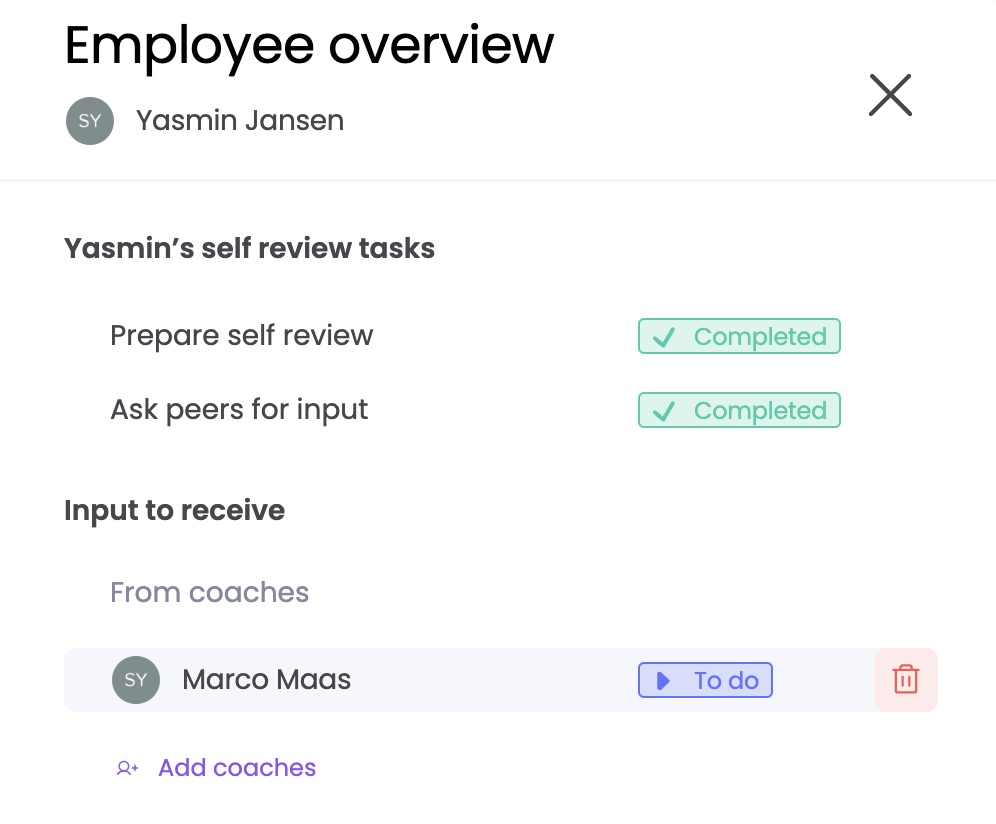
On the overview page click on the employee to which the coach should be added. When you move your mouse over the coach, a trash can appears, delete the corresponding coach by clicking on the trash can.